Personal Library
Save important research and maintain a working collection on your device.
OpenScholar App · Android · Available
Search scholarly literature, save papers, organize collections, read PDFs, work offline, annotate research and stay current from an Android research workspace.
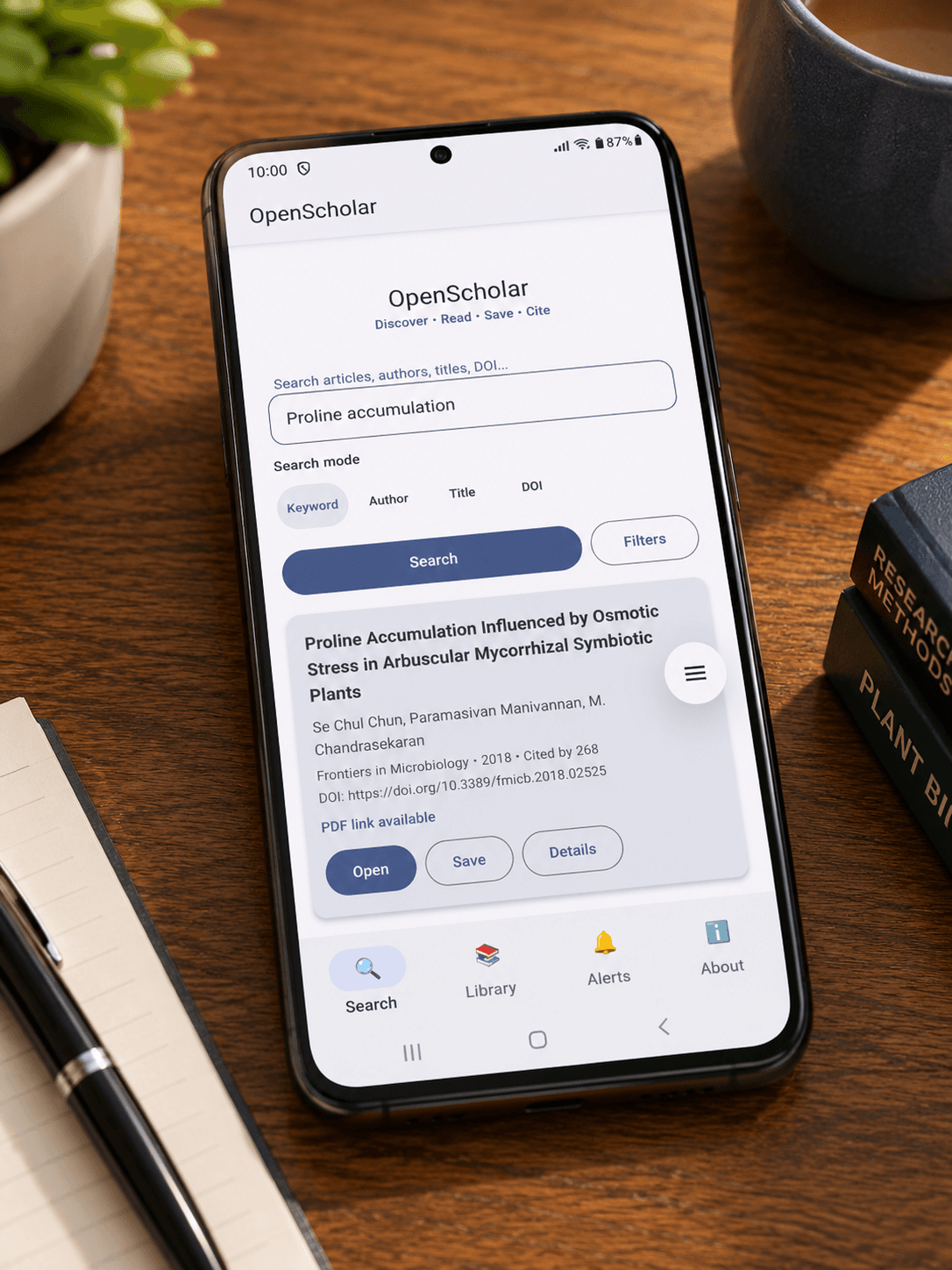
Mobile discovery
OpenScholar App brings scholarly search into a focused mobile workflow so researchers can discover, evaluate and save useful literature from wherever they are working.
Search research literature by keyword, author, title or DOI from a mobile research interface.
Review concise paper information while deciding what deserves deeper reading.
Refine literature discovery using research-focused search and availability controls.
Mobile research library
Move literature from search into a personal library, organize it into collections and keep track of what matters to your research.
Save important research and maintain a working collection on your device.
Organize papers into focused folders and research collections.
Keep track of papers as your reading workflow progresses.
Keep priority literature easy to return to during ongoing research.
Reading workspace
OpenScholar App extends the research workflow into reading, offline access, annotations and research organization on mobile.
Research continuity
OpenScholar App is designed so mobile research does not end at search results. Papers can continue into saved literature, reading, notes and organized research collections.
OpenScholar ecosystem
OpenScholar Web and OpenScholar App address the same broader research workflow through interfaces designed for different working contexts.
OpenScholar Web
Browser-based discovery, libraries, researcher profiles, notes, citations and research management.
Explore Web →OpenScholar App
Android research access for scholarly search, reading, collections, annotations, alerts and offline work.
Available on Android
Download OpenScholar App from Google Play and continue your research workflow on Android.